Building for People Who Aren't You
My wife's first question, when I showed her what I'd built, was whether she could use it on her phone.
Not "what can it do." Not "how does it work." Just: phone. Yes or no.
My son wanted to know if it could help with his accounting assignments.
I'd spent weeks designing port schemes and startup chains and MCP gateway routing. They had exactly two questions between them, and neither one was about any of that.
Fair enough.
The question that reframes everything
When you're building for yourself, the design question is: what can this do?
When you're building for someone else, it becomes: what will they actually open on a Tuesday evening, after work or school, when they're tired?
Those two questions lead to completely different places. The first leads to capability. The second leads to simplicity. And simplicity requires more thought than capability. Anyone can add features. Deciding what to leave out — and why — is the harder discipline.
FireflyIII, a self-hosted personal finance tracker, had been on my list. Then I asked the question: will my wife use this? Will my son? Or do they each have their own way of tracking money that has nothing to do with what I chose? The answer was obvious once I asked it. We dropped it.
LibreChat — the platform that had run the entire company for months — didn't make it into the home stack either. Not because it isn't good. Because Claude had caught up. Native memory, proper MCP connectors, a mobile app that works without configuration, maintained by Anthropic instead of by me. Every hour spent maintaining a custom AI frontend is an hour not spent on something else. For thirty staff, that overhead made sense. For three family members, it didn't.
The instructions incident
At some point during the setup, I sat down to create my son's Claude project instructions — the configuration that tells Claude who he is, so every conversation starts from the right place rather than from scratch.
I asked Claude to help draft it.
What happened next was instructive. Without asking my son a single question, Claude produced a complete set of project instructions. Tone, approach, learning path, ground rules. Fairly well written. Almost entirely based on what I had told Claude about him — not on anything he had said about himself.
I caught it immediately: you just built his instructions without talking to him.
That's the trap. Even with the best intentions, even with AI assistance, the default is to build for the builder. We scrapped the draft and started over. This time we asked him directly: what do you actually want from this? What frustrates you? What are you curious about?
The instructions that came out of that conversation were shorter, plainer, and considerably more useful — because they reflected him rather than my model of him.
Two very different onboarding journeys
My wife is on her work laptop, which isn't on the home network. Everything has to work remotely. Her primary use case is documents — filing things, finding things, not losing things. Her onboarding guide explains what the tools do and how to access them. It says nothing about how they work underneath, because she doesn't need to know and shouldn't have to care.
My son is different. He's at home, genuinely curious even if accounting is his actual focus. His onboarding has a dual purpose: get him using the tools, but also start building the mental model of the infrastructure underneath. Because eventually, when I'm not the one maintaining this, he is.
Writing those guides forced every assumption into the open. That process of writing for a non-technical reader is, incidentally, one of the better ways to find out which parts of your system are more complicated than they need to be.
What the platform is really for
What I actually built is infrastructure. A foundation each person can build on top of. Each family member has their own port range on the server — their own slice to run whatever they want. Mine has a blogging platform. My son's slice is empty for now, but he's studying accounting and interested in investments — the day he wants to build an investment tracking tool, the server is waiting. My wife's slice is empty too. Maybe a recipe manager. Maybe something I haven't thought of. That's the point.
The server is the shared foundation. Each person's slice is theirs to grow into, with AI as the co-pilot.
The legacy piece
After my mother's estate — the scramble to piece together her accounts, her documents, her wishes — I wanted the people I care about to never face that same chaos. The document archive, the password vault, the photo library. Everything in one place, accessible to the right people when it matters.
Bitwarden has an Emergency Access feature that makes this possible. Designate trusted contacts, set a waiting period, and if something happens to you they eventually get in. Enough time for you to deny it if you're still around. Not enough time for the people left behind to be left scrambling.
I have one more project on the list that I'll leave tastefully vague: an automated cleanup script that runs in the event of my passing and tidies up certain bookmarks and browsing history that a man of my age and tastes has accumulated. Some things are better left unarchived. My family doesn't need that kind of legacy.
The honest ending
The system is built. The onboarding guides are written. The tunnels are live. The API keys are generated. Everything is ready.
The machines aren't fully onboarded yet.
Life doesn't pause for infrastructure. My wife's work schedule, my son starting poly, the ongoing wind-down — the intended users of this carefully designed, thoroughly documented family AI platform are currently using it approximately never.
This used to bother me. It doesn't anymore.
Building it properly was the point. Not just so it works when they eventually sit down with it — but because the discipline of designing for other people, of asking the right questions before assuming the answers, changed how I think about building anything. The system being ready and waiting is fine.
Real life catches up eventually. When it does, I'll be writing Post 6.
For the technically curious
The container stack from Post 4 handles the services. This section is about the access layer — how three people on three different devices in different locations all reach the same system securely, with their own identity, without me running three separate copies of everything.
Two modes of access, depending on what you're doing.
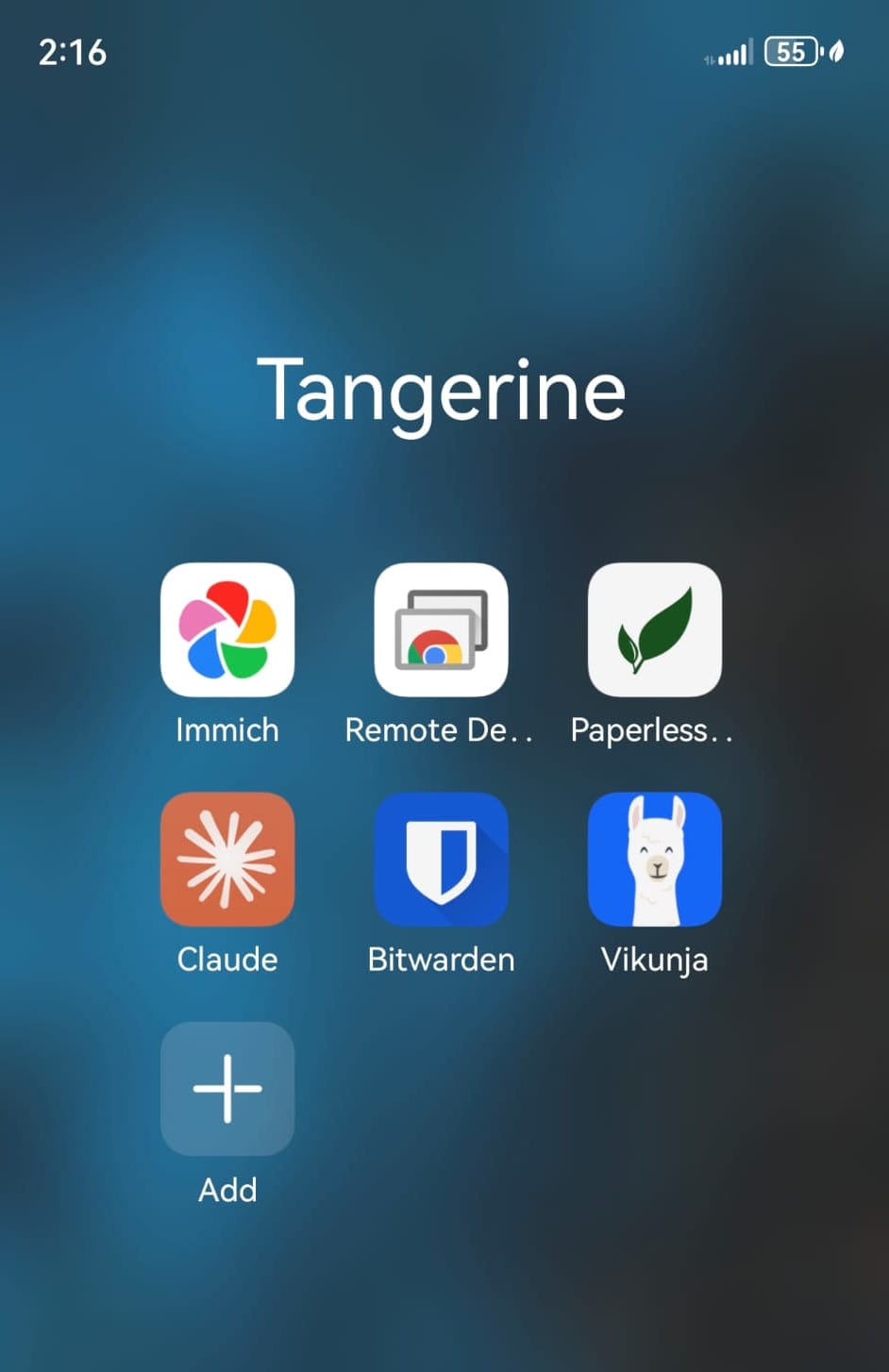
The first is the mobile apps. Paperless, Immich, Bitwarden, and Vikunja all have native mobile apps that connect directly to the server via Cloudflare tunnels. No AI involved — just your phone, the app, and the data. Documents on the go. Photos from anywhere. Passwords when you need them. The whole family can use the platform from their phones without touching Claude at all.
The second is Claude Desktop with MCP connectors. This is where the AI-assisted work happens. Claude connects to the same services — task manager, document archive, password vault — but now you can talk to them. Ask Claude to find a document, create a task, look something up. The MCP gateway routes the request to the right service, Claude handles the interaction, the data stays on your own server. Desktop-first, but the Claude mobile app covers the basics when you're away from your machine.
Device connectivity via Tailscale. All family devices — laptops, phones, the server — are joined to a Tailscale mesh network. This gives everyone a direct encrypted tunnel to the server regardless of where they are, without any port forwarding or VPN configuration. Remote desktop into any machine on the network is straightforward. Chrome Remote Desktop works as an alternative for getting into a specific workstation without the full Tailscale setup.
The server itself runs headless — no monitor attached. After months of sitting at a desk with an RGB light show cycling in my peripheral vision, having it tucked away and accessed remotely is one of the better quality-of-life improvements in this whole project.
The MCP gateway. Caddy running as a Windows-native service on port 8800. Every inbound request from Claude Desktop or the Claude mobile app passes through here first. One entry point, one place to enforce authentication. Path-based routing sends each request to the right MCP server behind it.
Per-user identity works via API key — each family member has their own key configured in their Claude app. The key tells the gateway who's asking, which tells the MCP server which account to use. One document archive instance, one task manager instance, one password vault — but each person only sees their own data.
The per-person architecture. Beyond the shared services, each family member has their own port range reserved on the server. Mine has a blogging platform running — the one this post will eventually be published on. My son's range is empty. My wife's is empty. When they're ready to build something of their own, the infrastructure is already waiting. The port scheme from Post 4 wasn't just about organisation — it was about making room for what comes next.
Cloudflare tunnel handles external access without port forwarding. One tunnel, multiple hostnames, everything routed through Cloudflare's network. cloudflared runs in WSL2 and reaches the Windows-native Caddy via the WSL2 host bridge — worth knowing if you build the same pattern. Adding a portproxy rule for the gateway port will silently break this connection. The logs won't tell you why. Ask me how long that took to figure out.
On WSL networking: containers in WSL2 need a portproxy entry to be reachable from Windows. Windows-native services — Caddy and the Python MCP servers — bind directly and do not. Keep those two categories clear in your head, and never include the gateway port in your portproxy table.